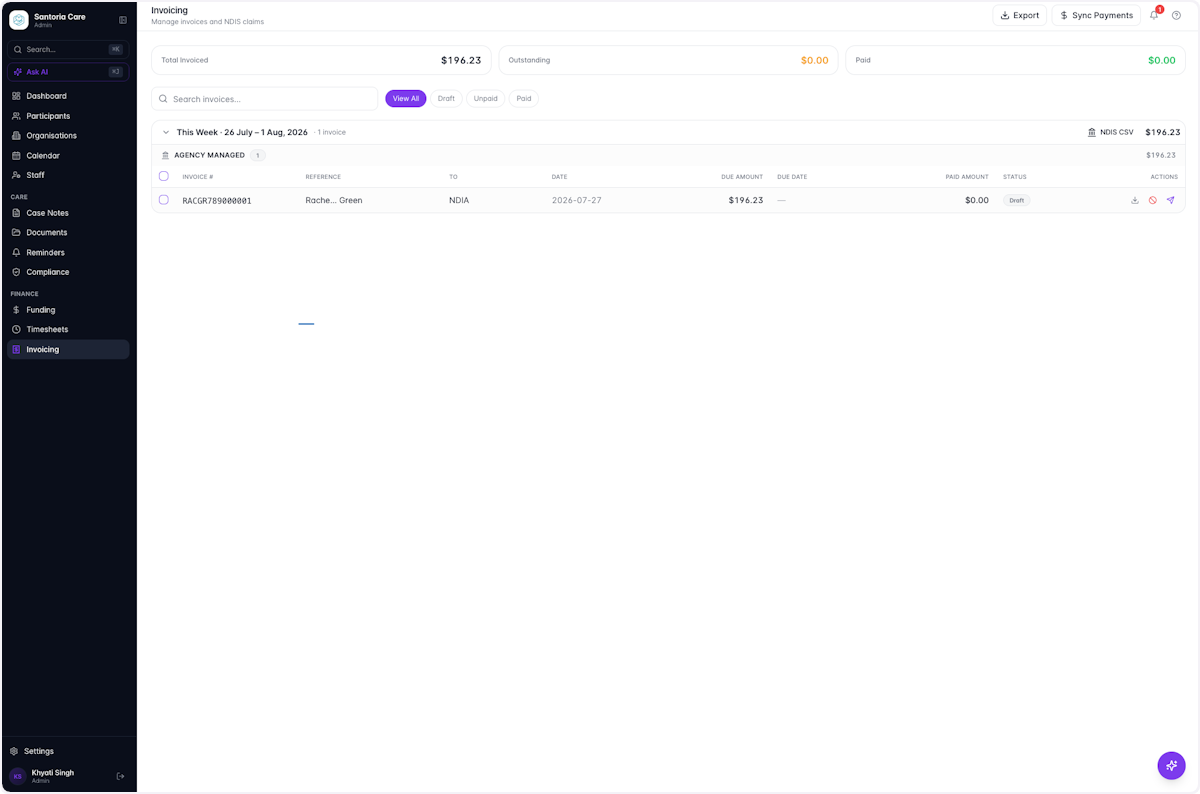
Create a Timesheet and automatically generate an Invoice
FinanceUser guide
Timesheets are created after approving Billable Case Notes. SuccessFlow handles this seamlessly. With just a click of a button, your Timesheet is ready.
Once approved, your Timesheet automatically flows through to generate an Invoice.
- 1
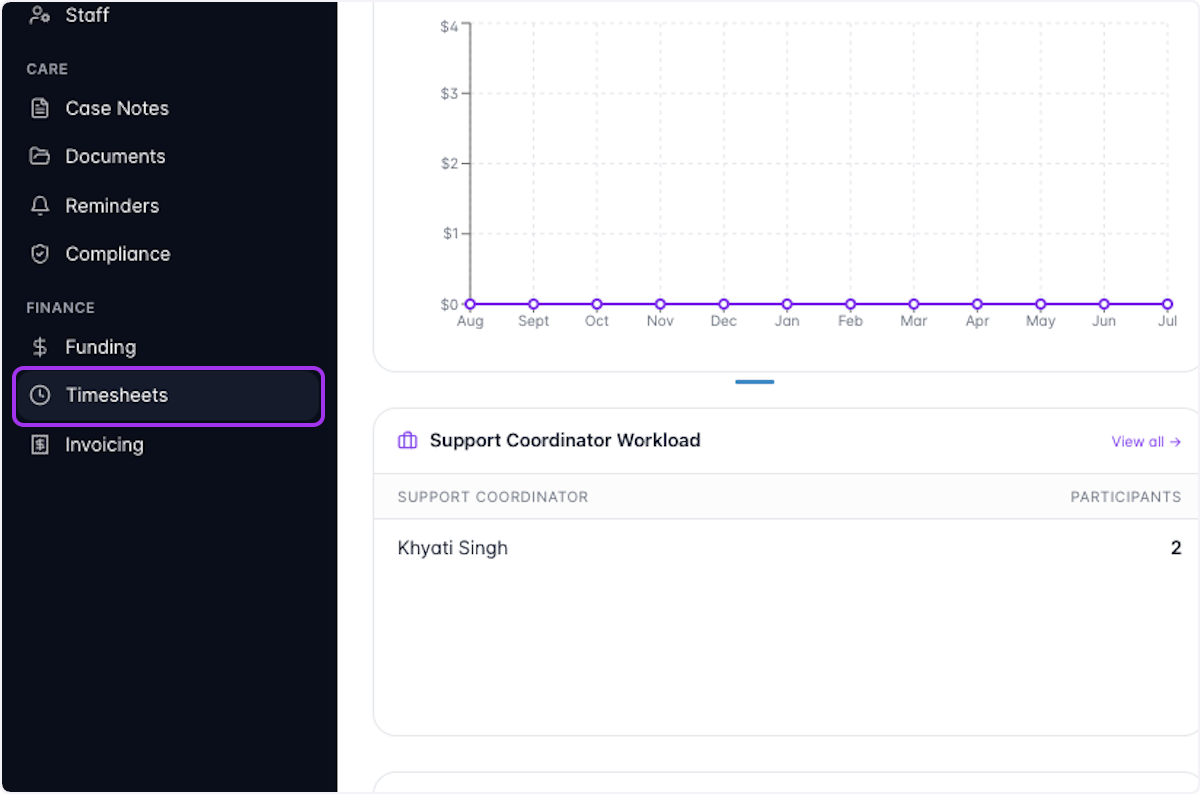
Click on Timesheets
- 2
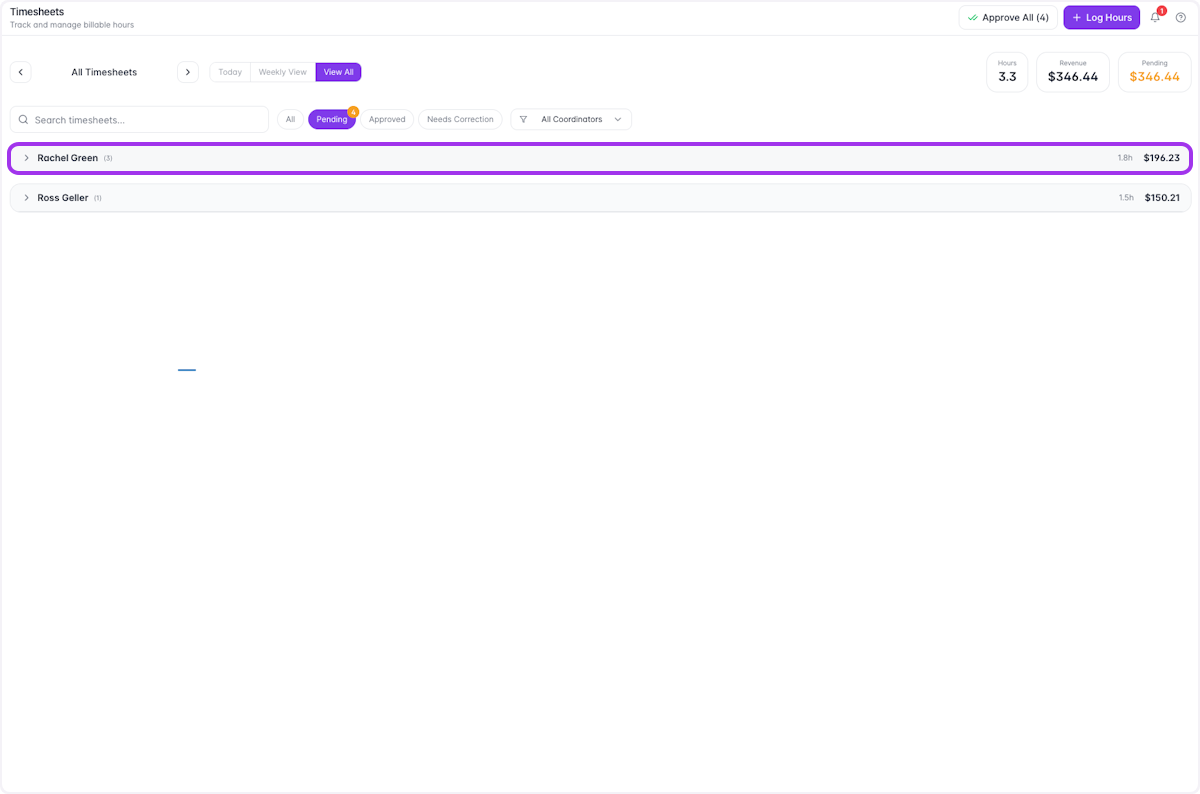
Filter your view based on your actions
Here, we've filtered to View All timesheets that are Pending.
- 3
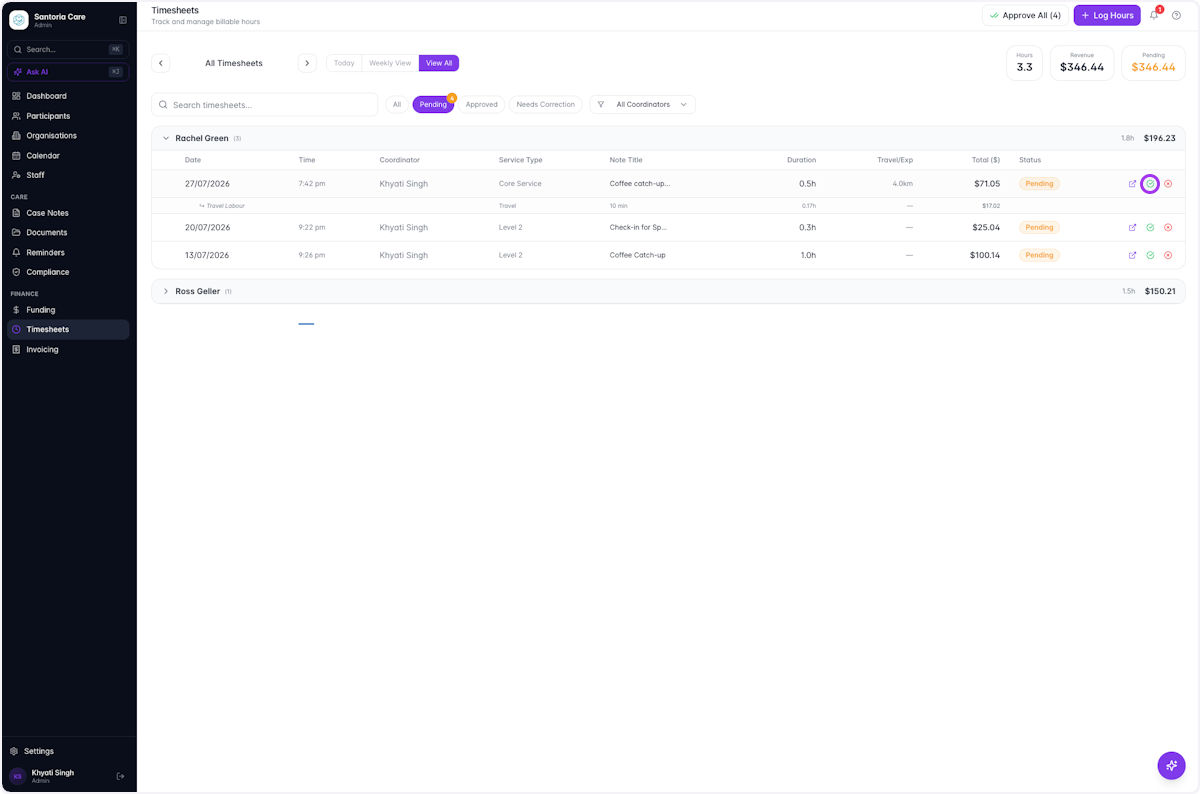
Click the green tick icon to approve Billable Case Notes for the Invoice
- 4
Once approved, your newly created timesheets will appear highlighted green
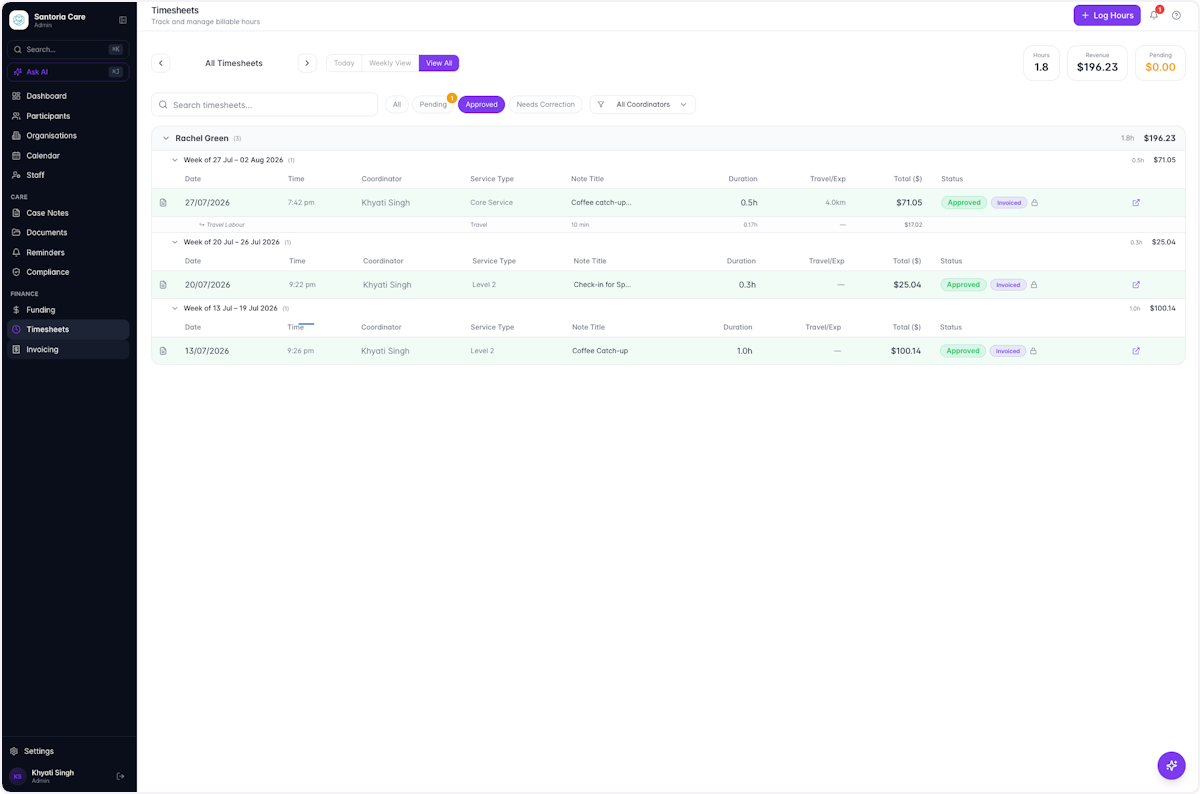
- 5
Navigate to the Invoicing tab. Your approved Timesheet automatically generates an Invoice