Add an NDIS Plan for Participant
ParticipantsUser guide
This guide walks you through recording a new NDIS plan against a participant, including total funding, support coordination budget, quarterly allocations and uploading the plan document.
- 1
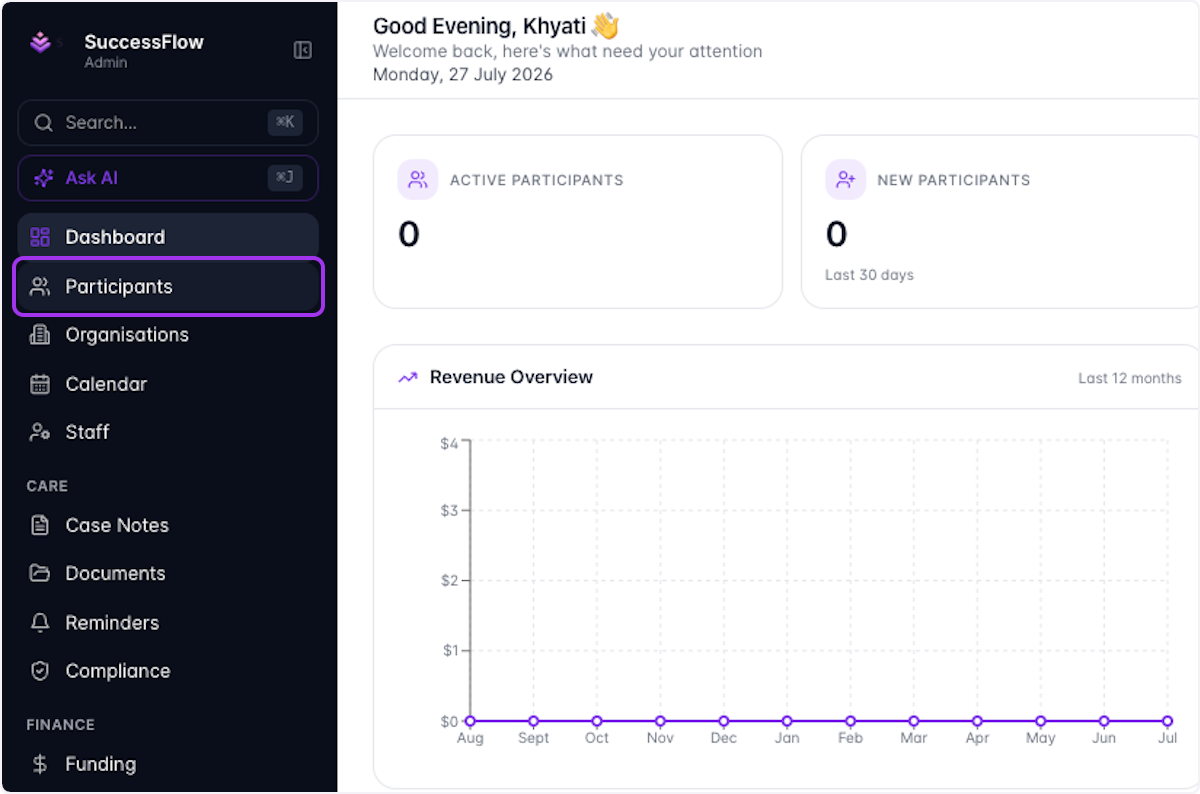
Click on Participants
- 2
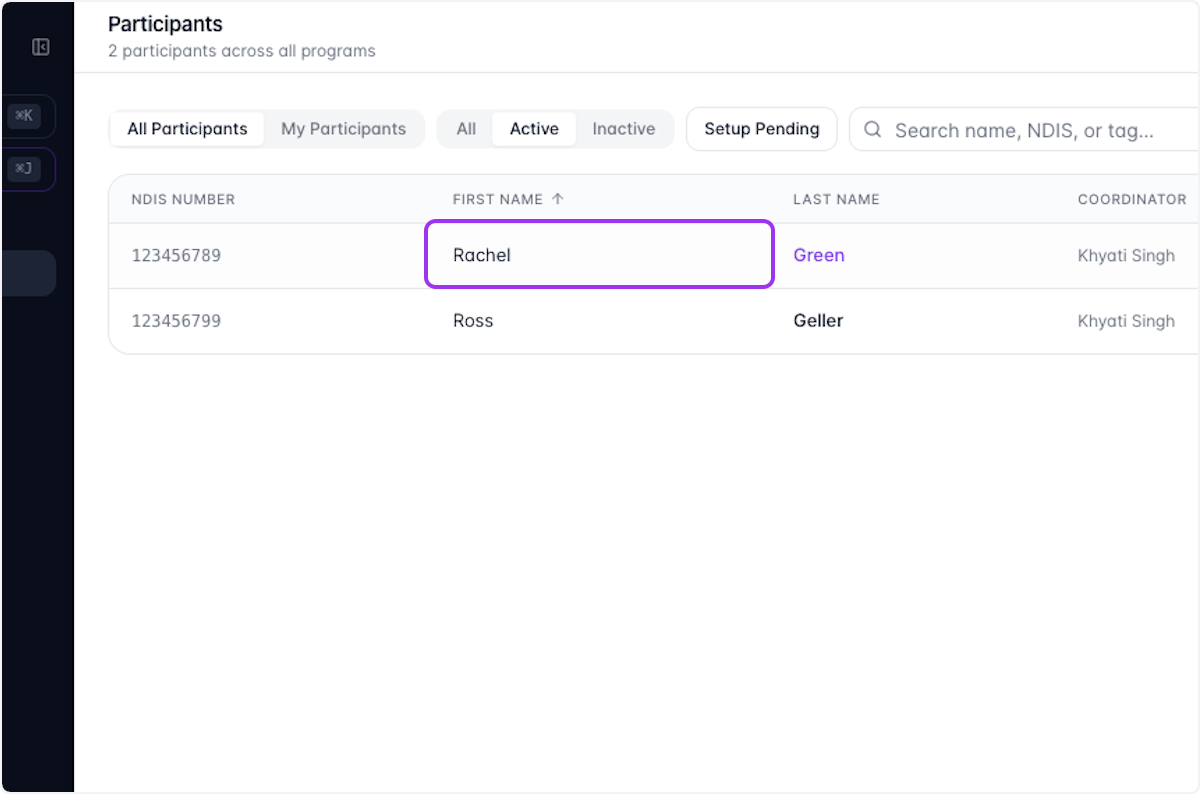
Select the Participant you want to edit
- 3
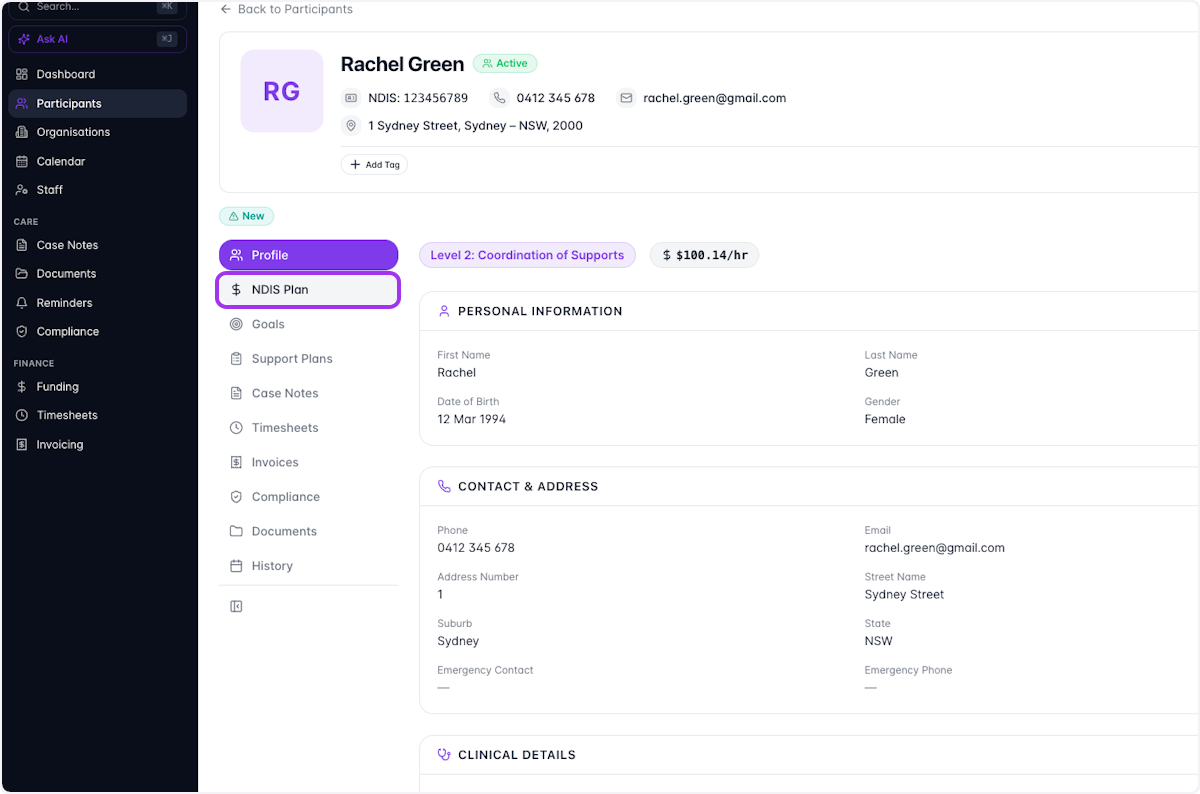
Click on NDIS Plan
- 4
Click on Record New Plan
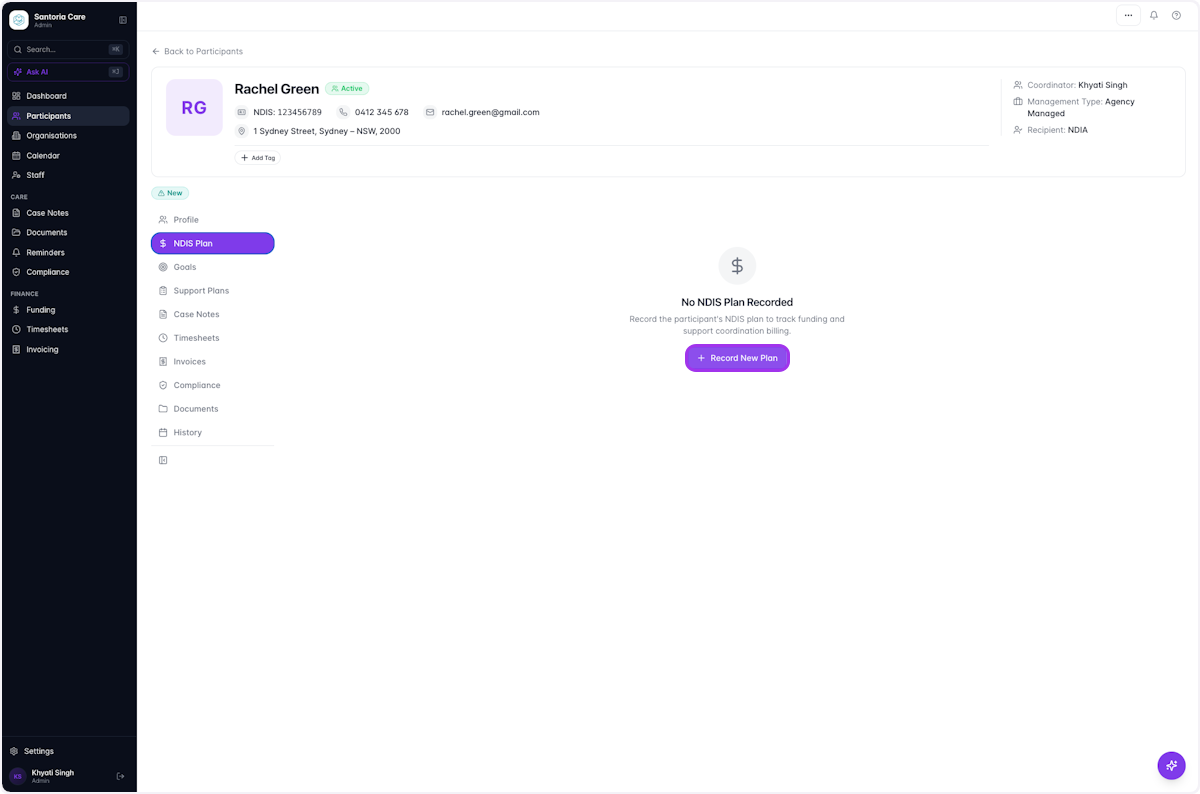
- 5
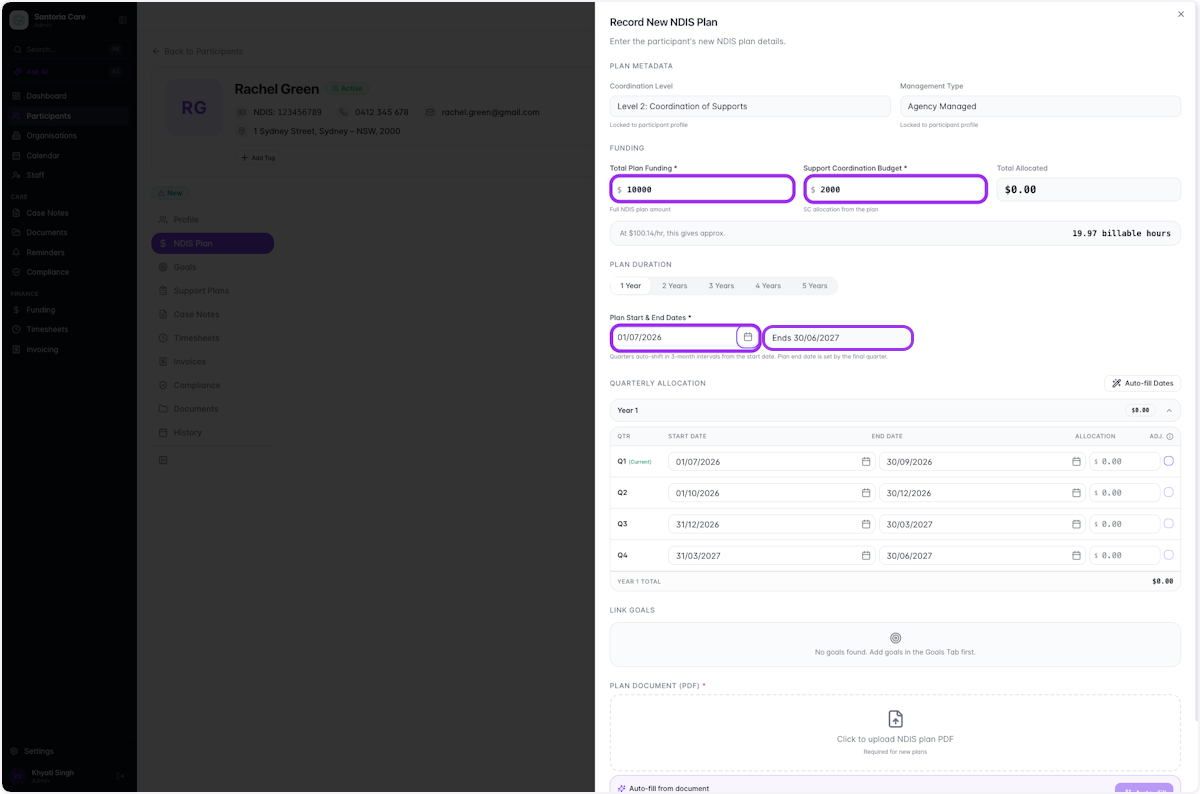
Fill in relevant Plan Details
Complete the fields for Total Plan Funding, Support Coordination Budget, Start and End Dates. You can use the arrow keys or the date picker to select these amounts.
- 6
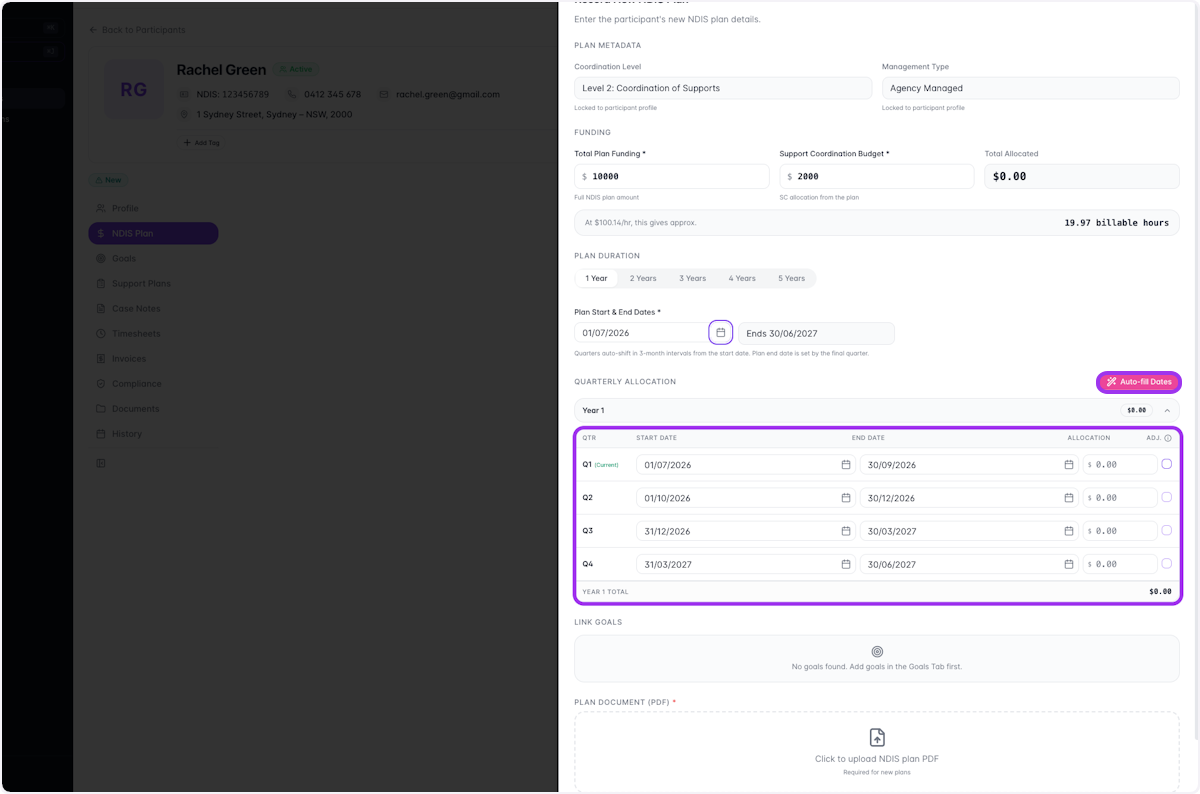
Allocate Start and End Dates for each quarter
Use the Auto-fill Dates button, or manually enter dates into each field.
- 7
Type in the estimated allocation for each quarter
- Enter the allocation for Quarter 1
- Enter the allocation for Quarter 2
- Enter the allocation for Quarter 3
- Enter the allocation for Quarter 4
- 8
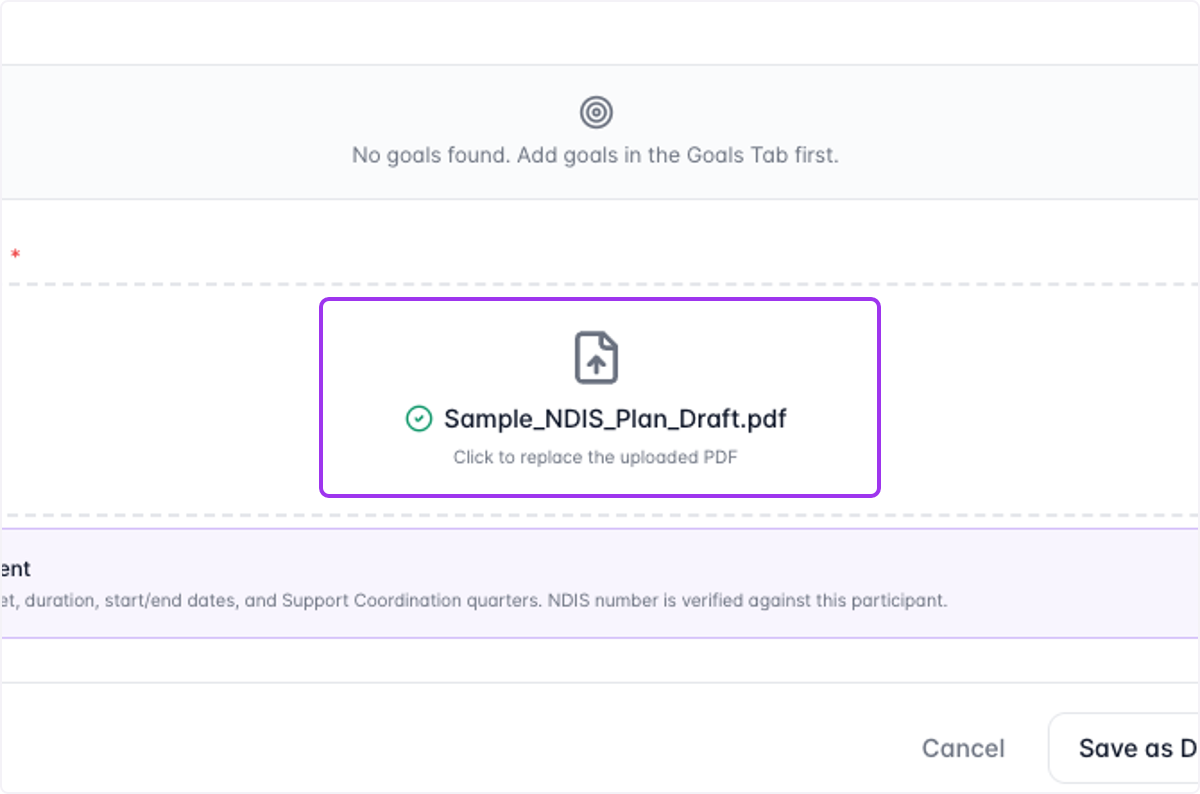
Select "Click to upload NDIS plan PDF"
Add an NDIS plan document for the participant.
- 9
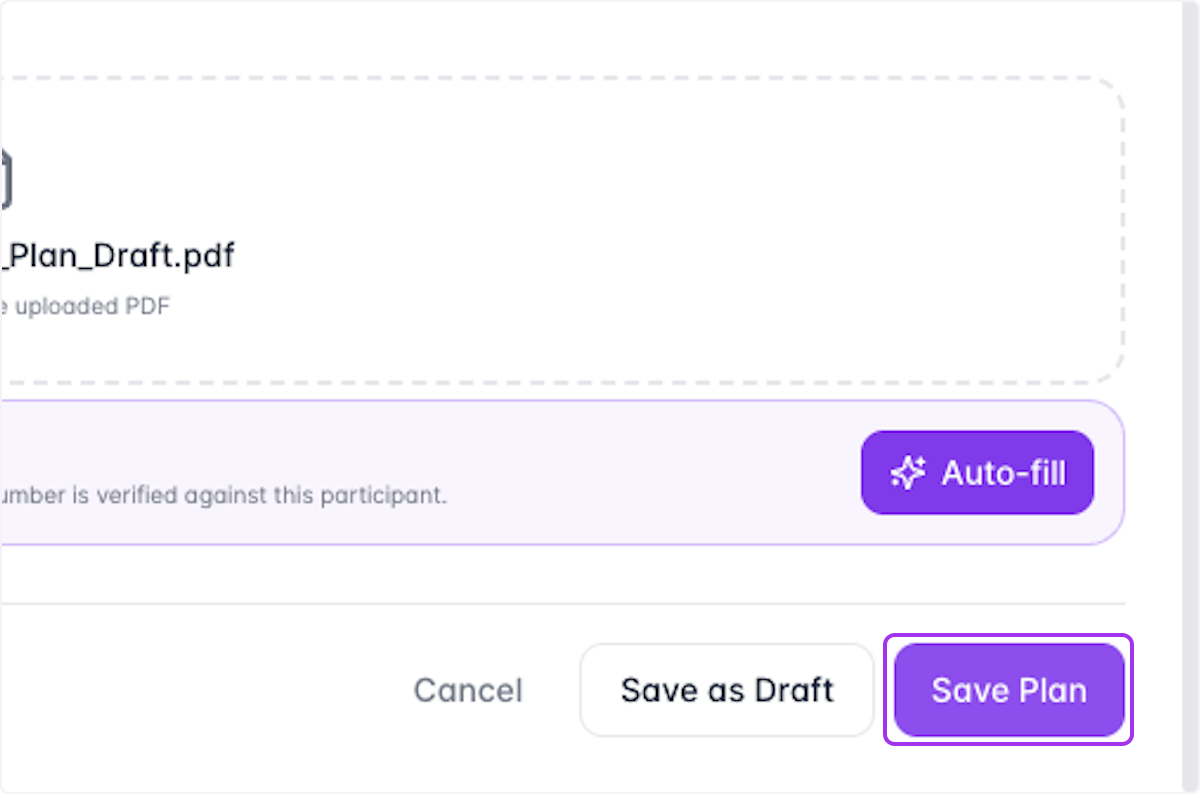
Click on Save Plan
- 10
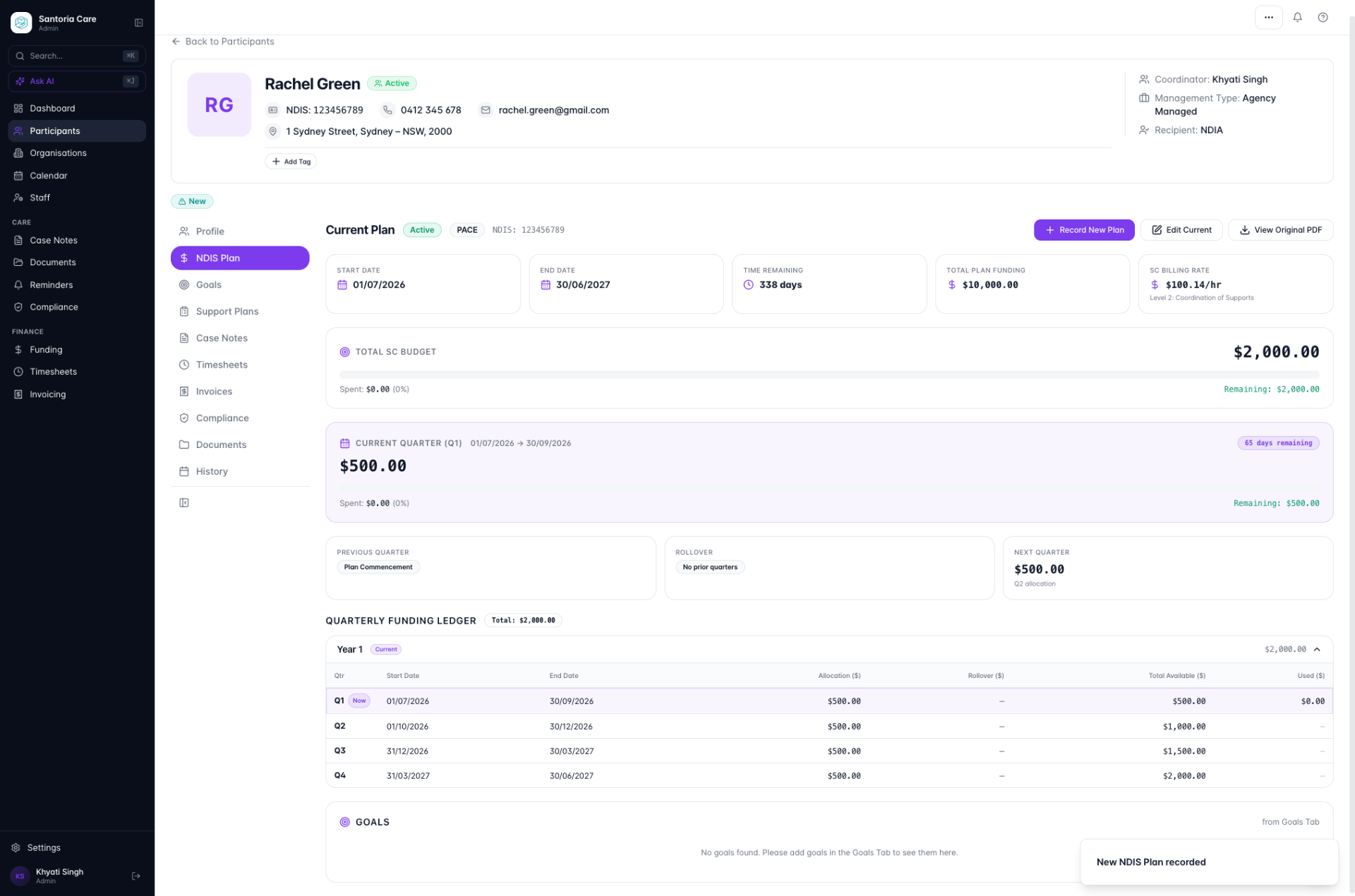
Confirm the new plan is reflected on the participant's profile