Update your Organisation Details
Getting StartedUser guide
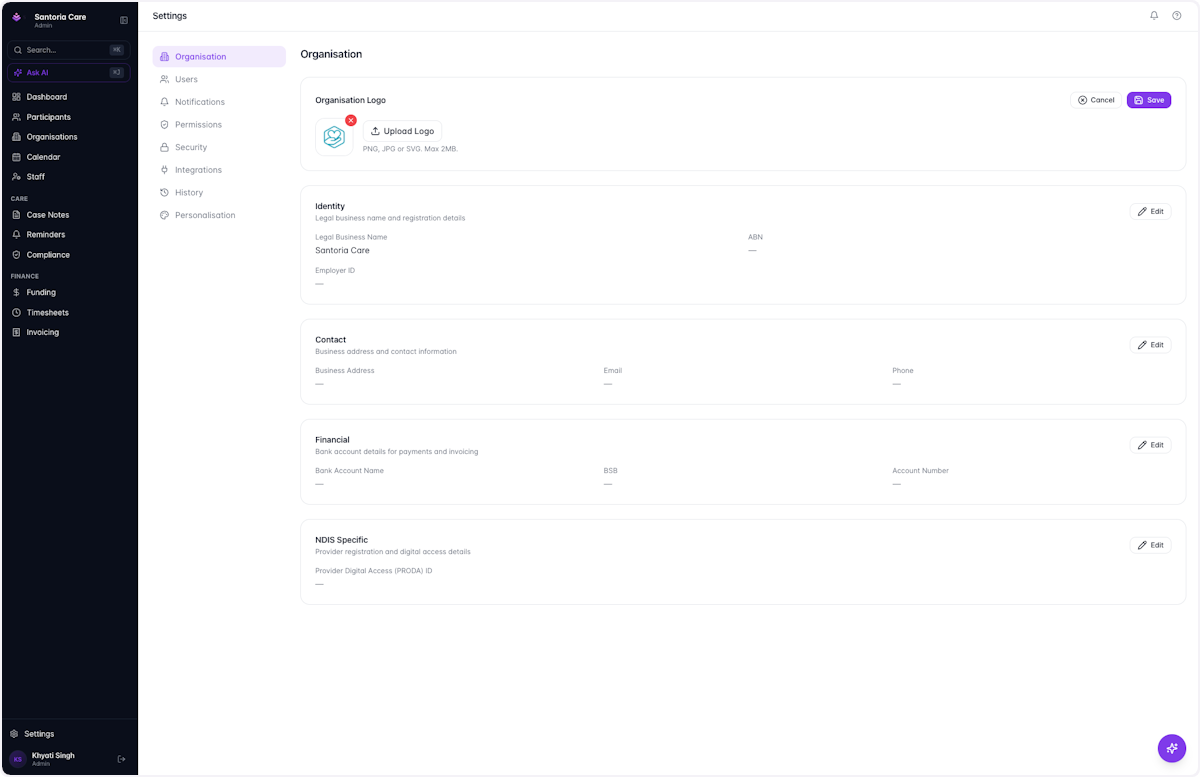
Keep your organisation profile up to date. Your logo, ABN, address, banking and PRODA details all flow through to invoices, reports and NDIS claims.
- 1
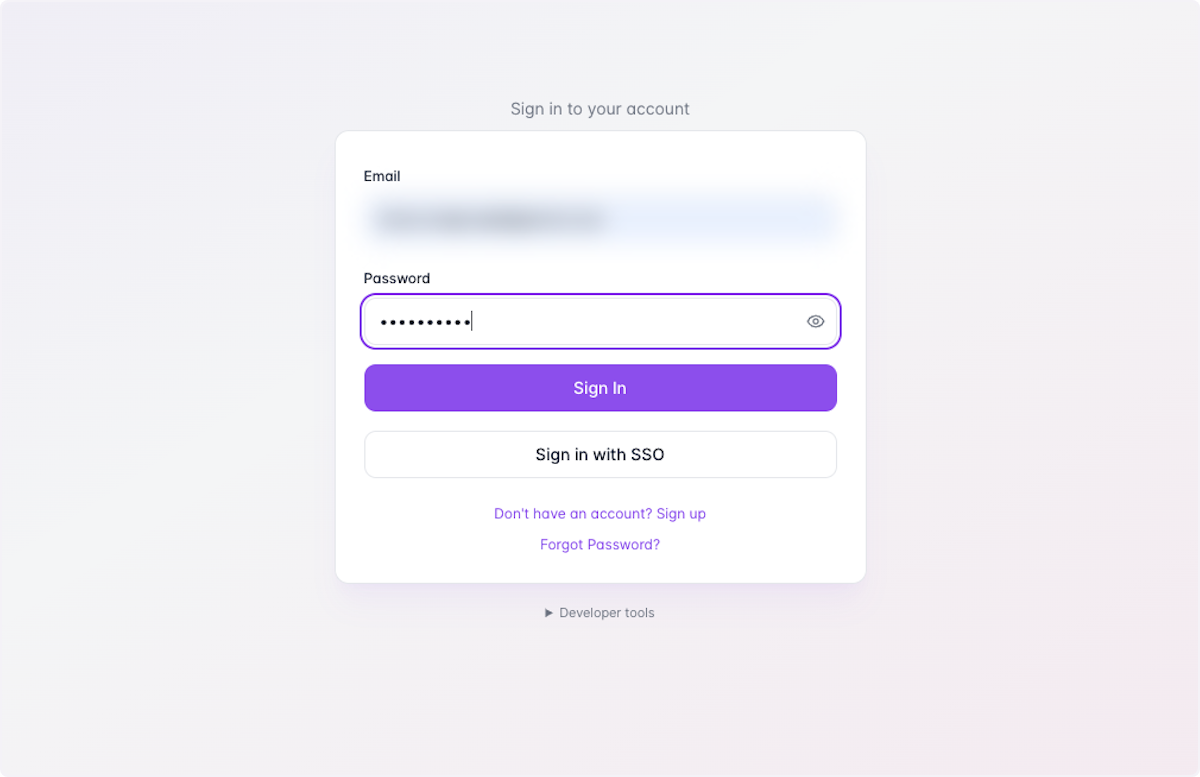
Click on Sign In
- 2
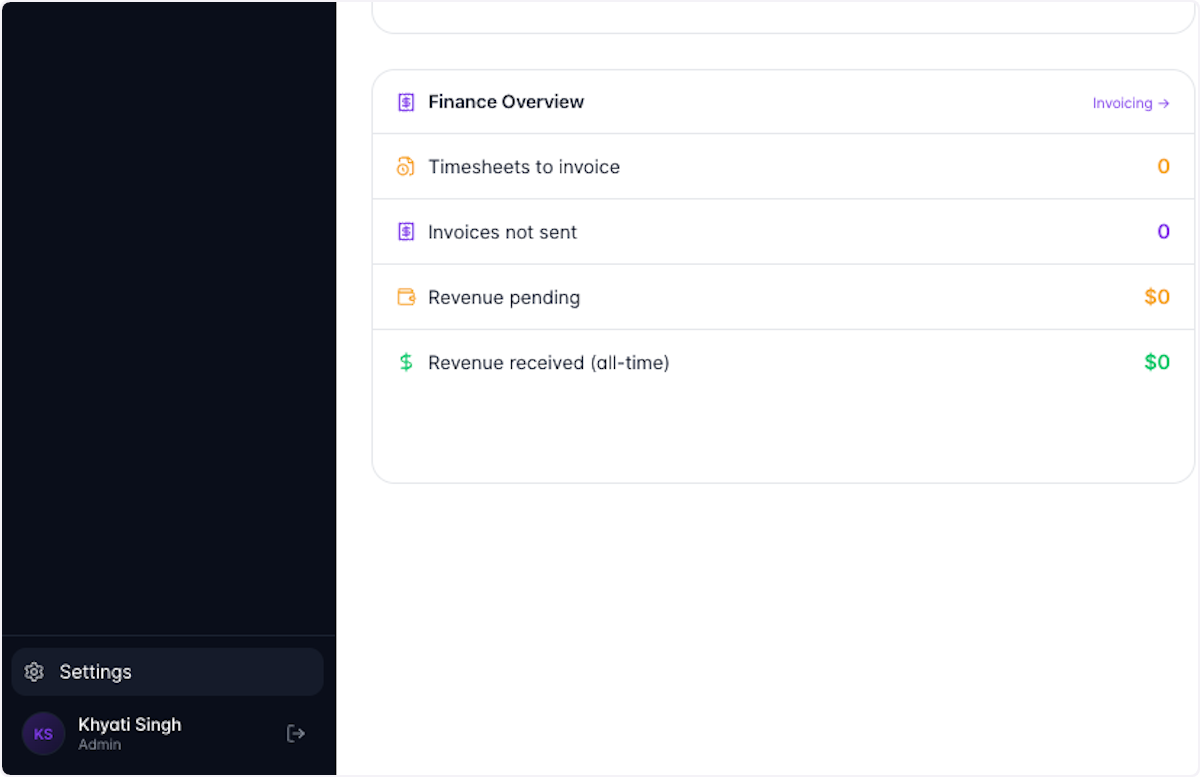
Click on Settings
- 3
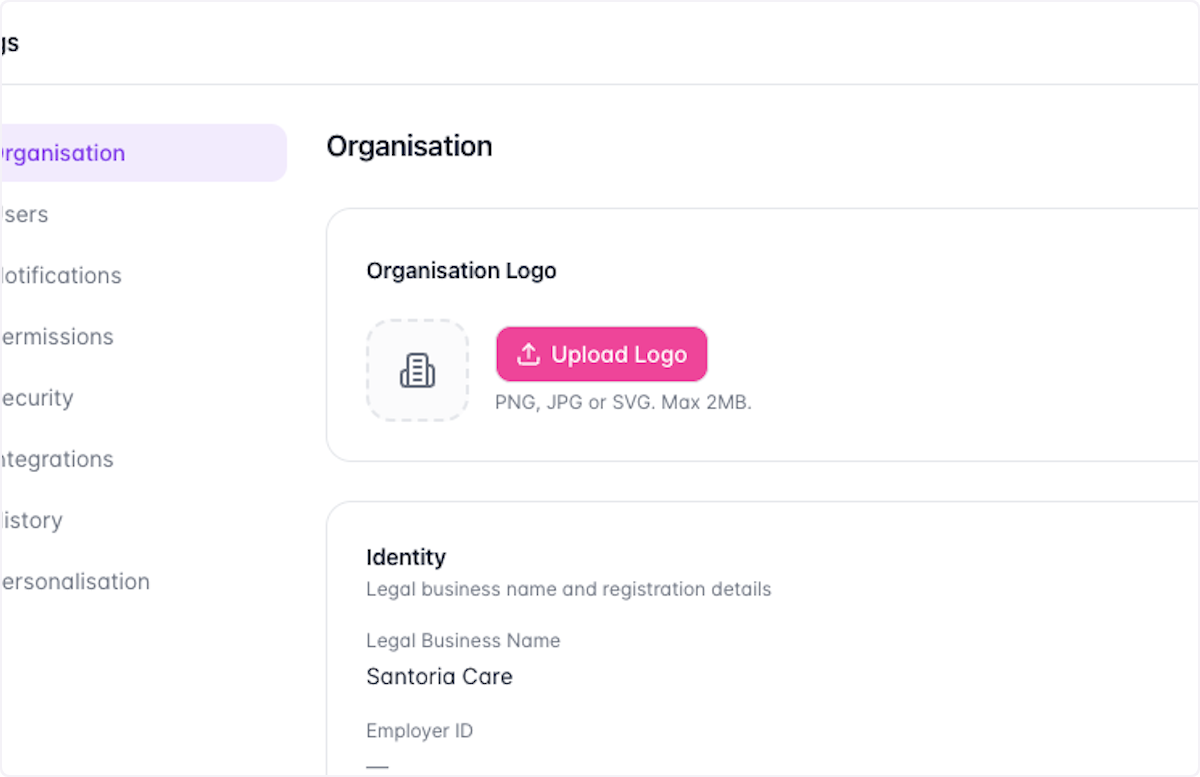
Open Organisation Logo settings
- Click on Organisation Logo
- Click on Edit
- 4
Click on Upload Logo
- 5
Click on Save

- 6
Type in text field
- 7
Click on Edit

- 8
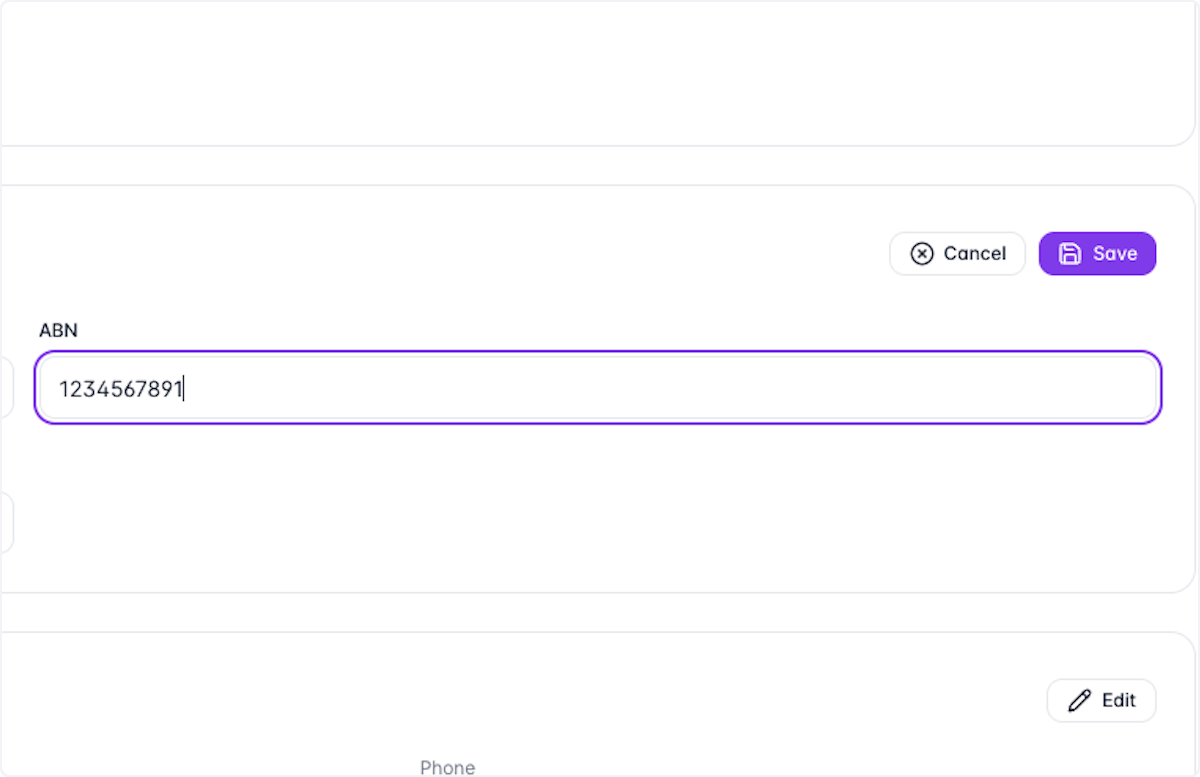
Type ABN
- 9
Click on Save

- 10
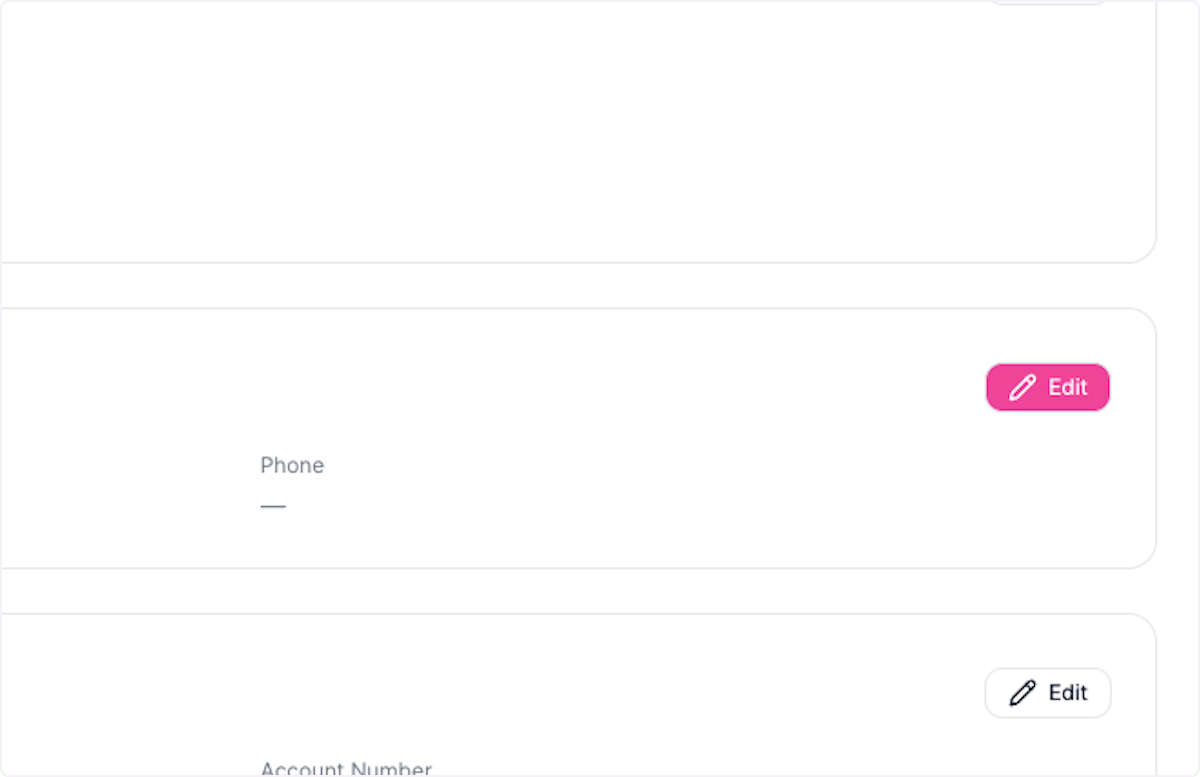
Click on Edit
- 11
Enter address details
- Type Address
- Type Suburb
- 12
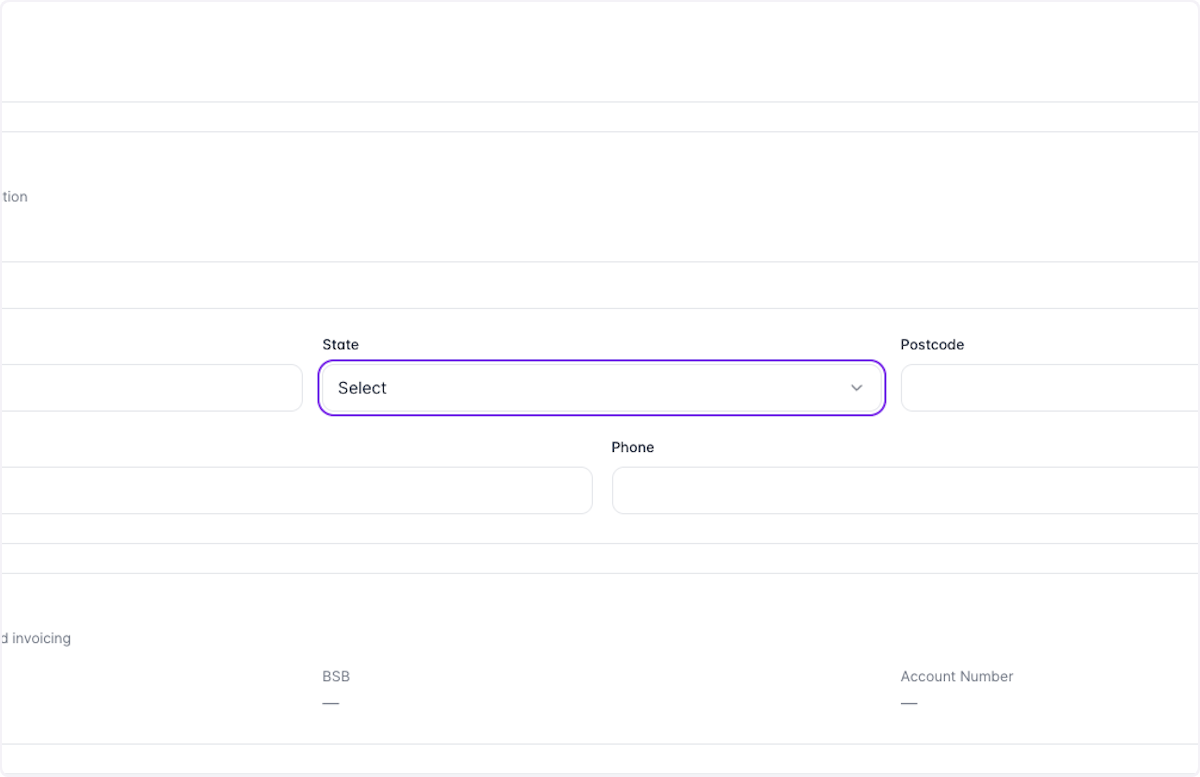
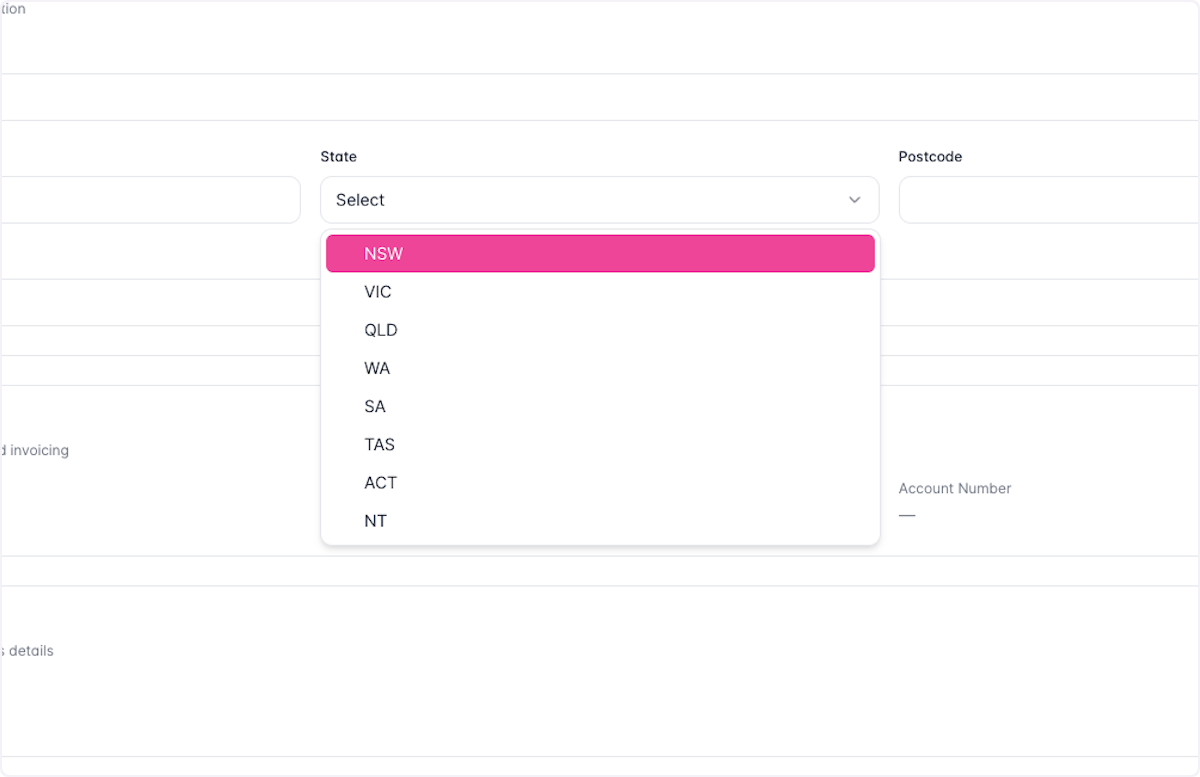
Click on State
- 13
Select your state
- 14
Enter contact details
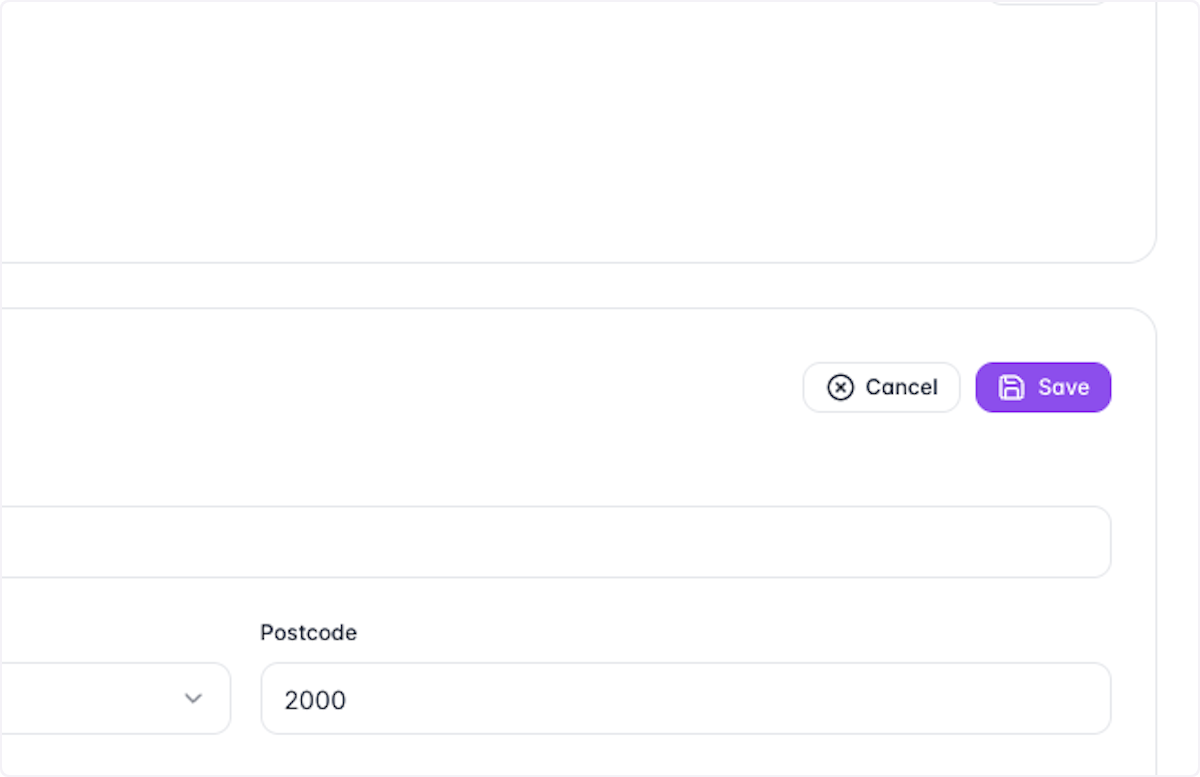
- Type Postcode
- Type Email
- Type Phone
- 15
Click on Save
- 16
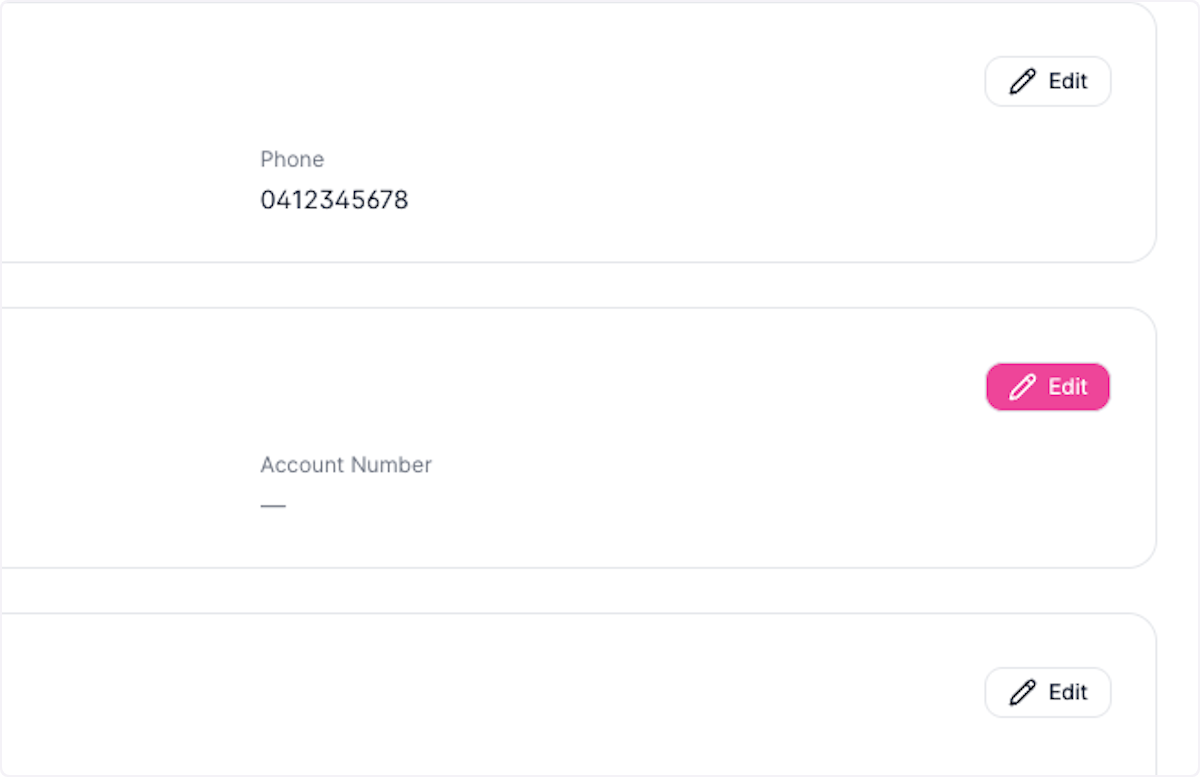
Click on Edit
- 17
Enter banking details
- Type Bank Account Name
- Type BSB
- 18
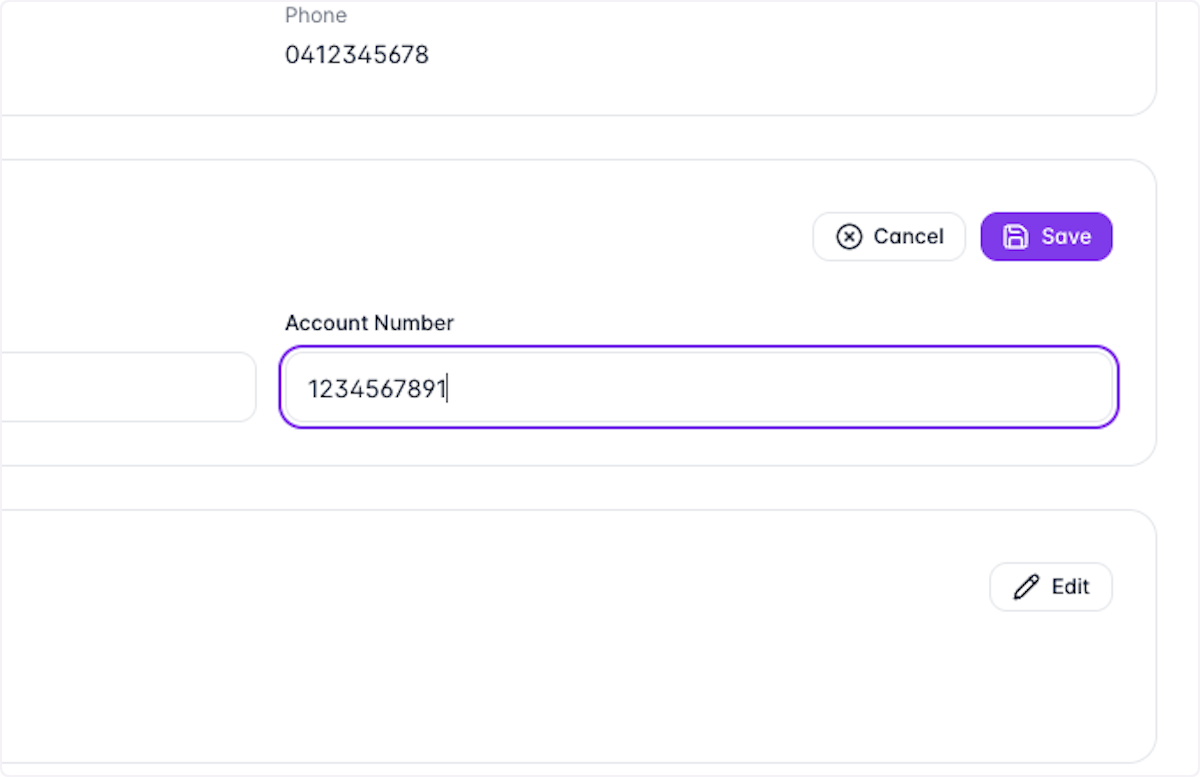
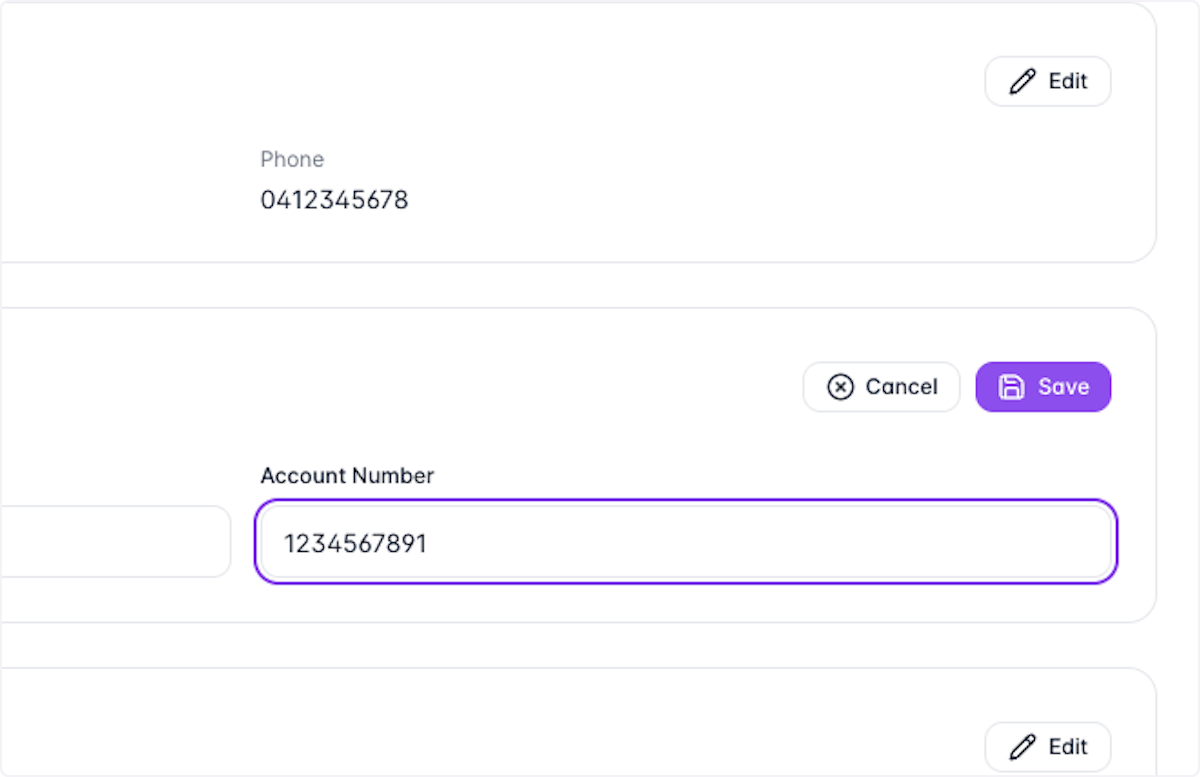
Type Account Number
- 19
Click on Save
- 20
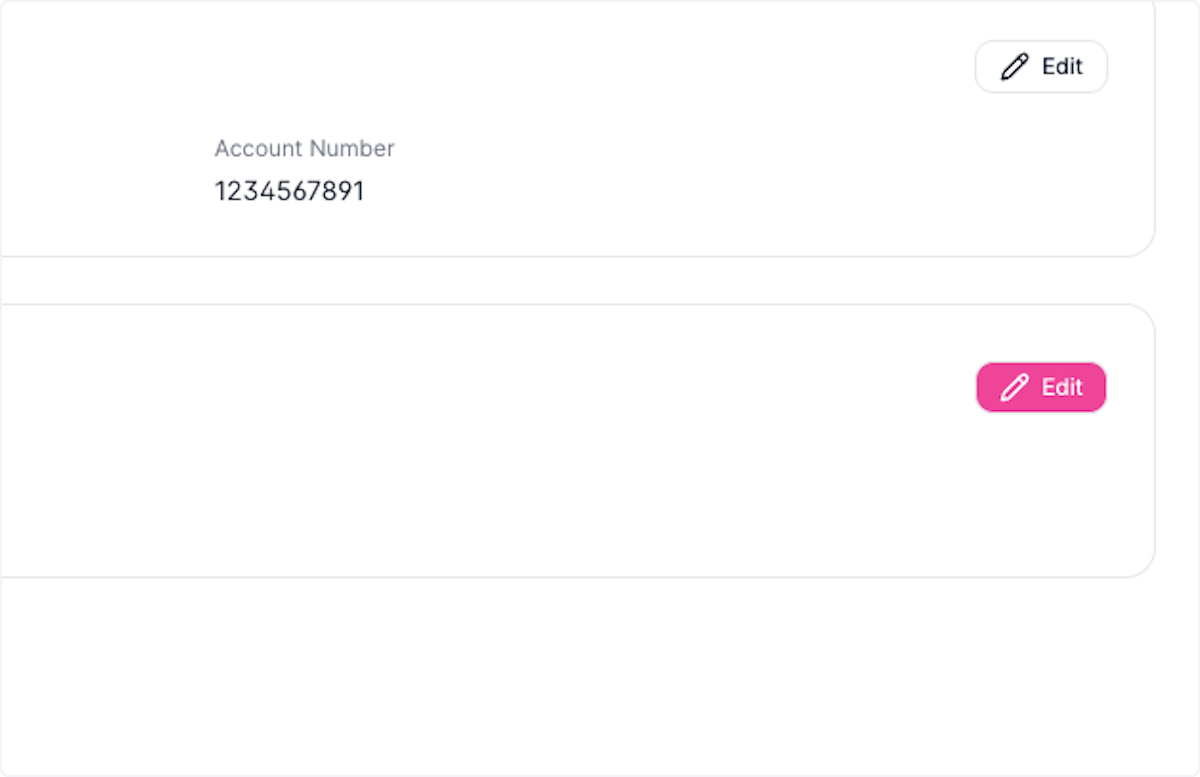
Click on Edit
- 21
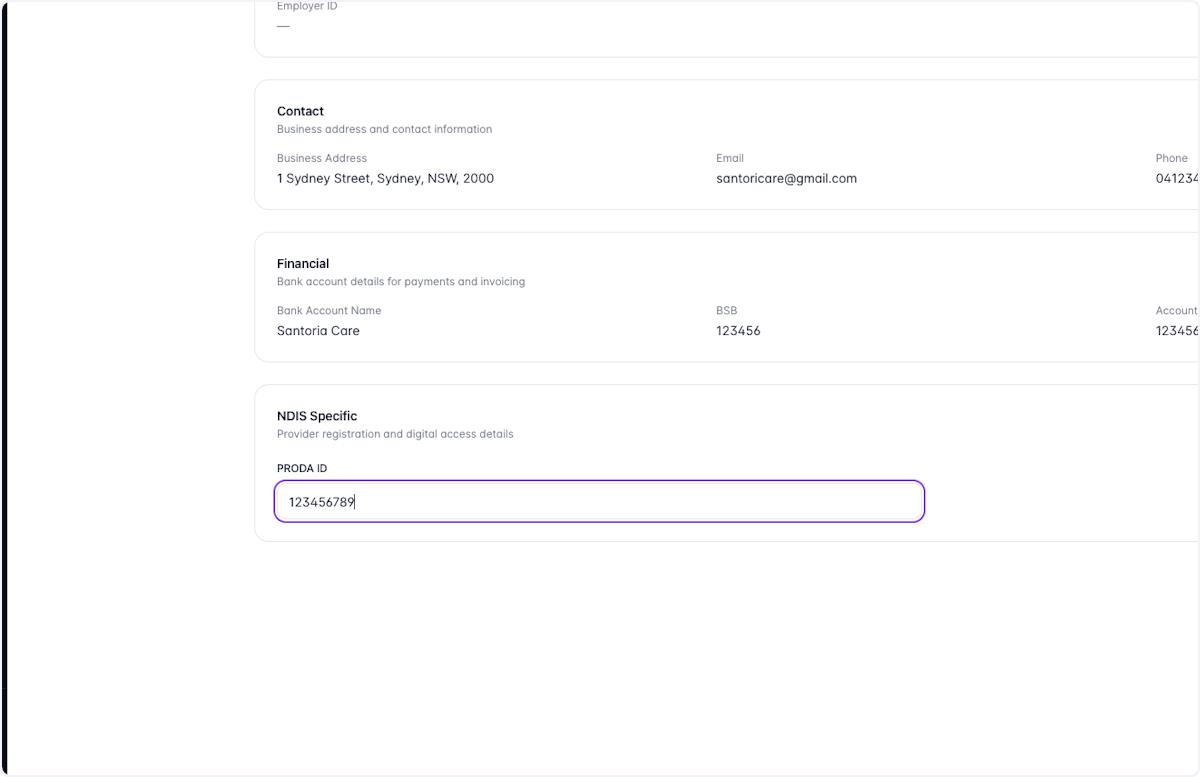
Type PRODA ID
- 22
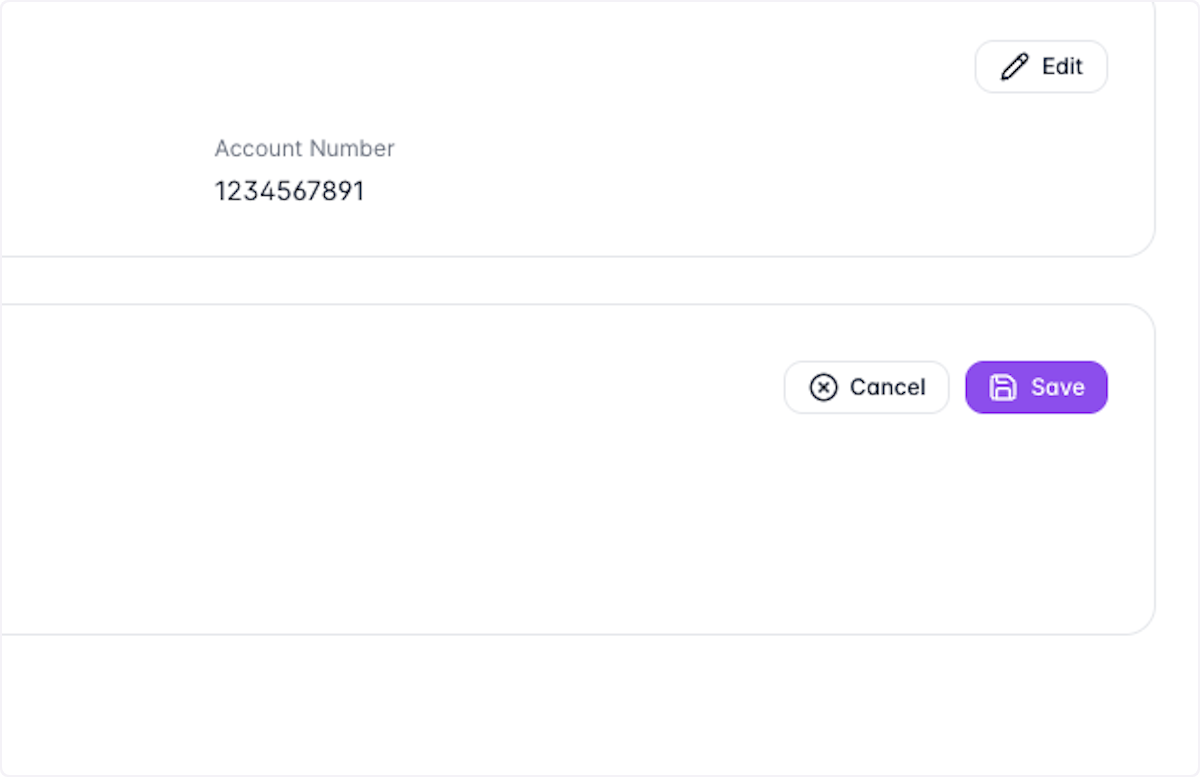
Click on Save