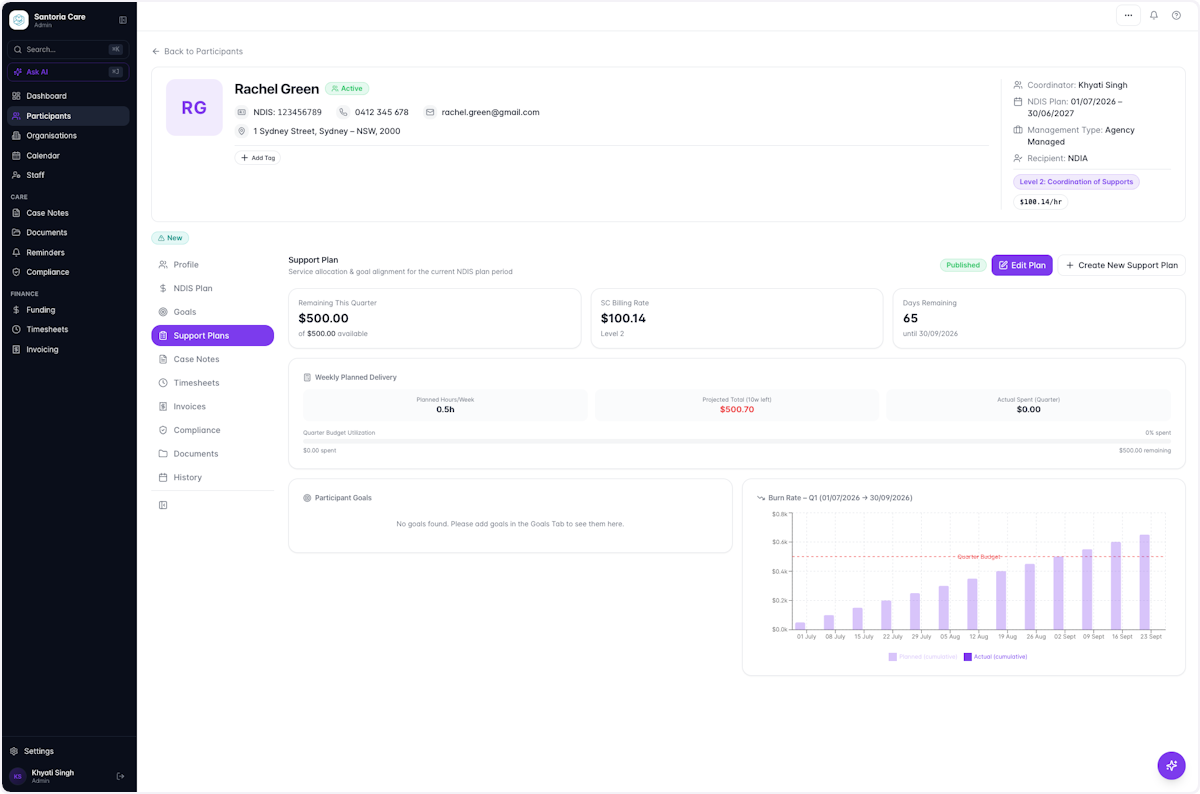
Add a Support Plan for Participant
ParticipantsUser guide
This guide walks you through creating a Support Plan for a participant, including planned weekly hours and publishing the plan so it appears on the participant's profile.
- 1
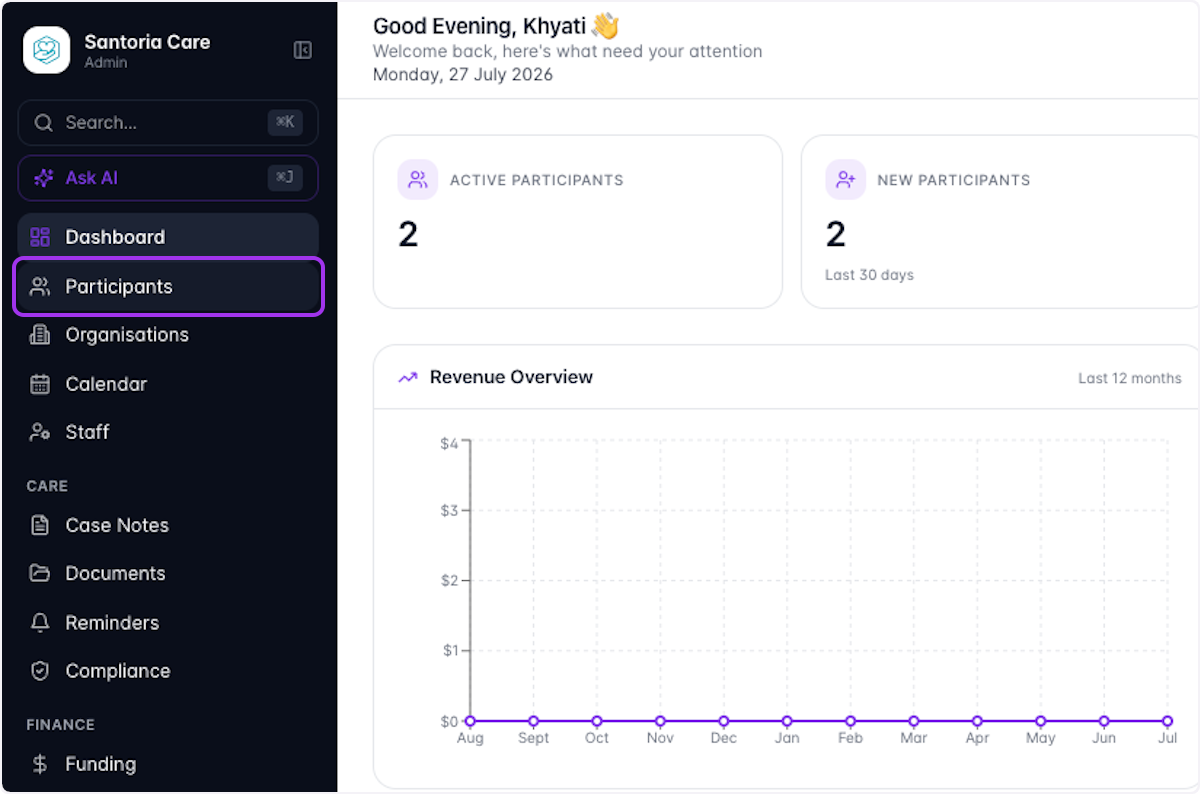
Click on Participants
- 2
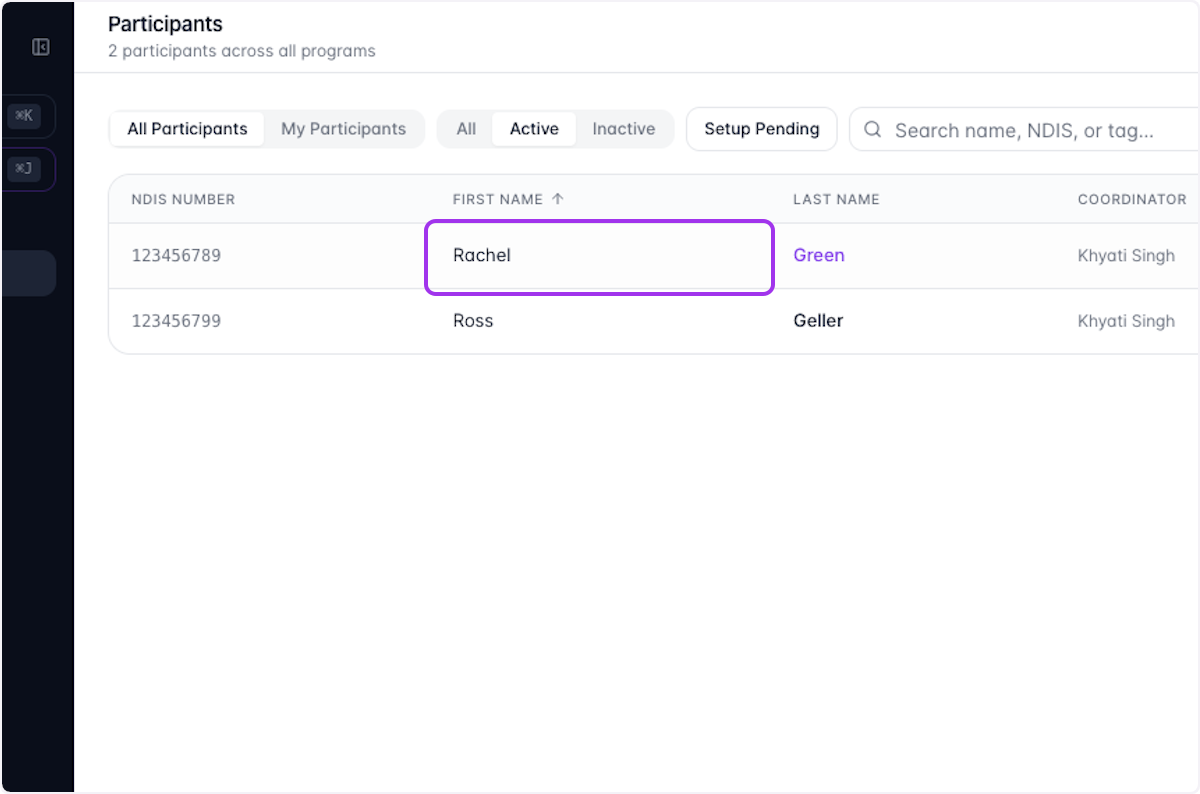
Select the Participant you want to add a Support Plan for
- 3
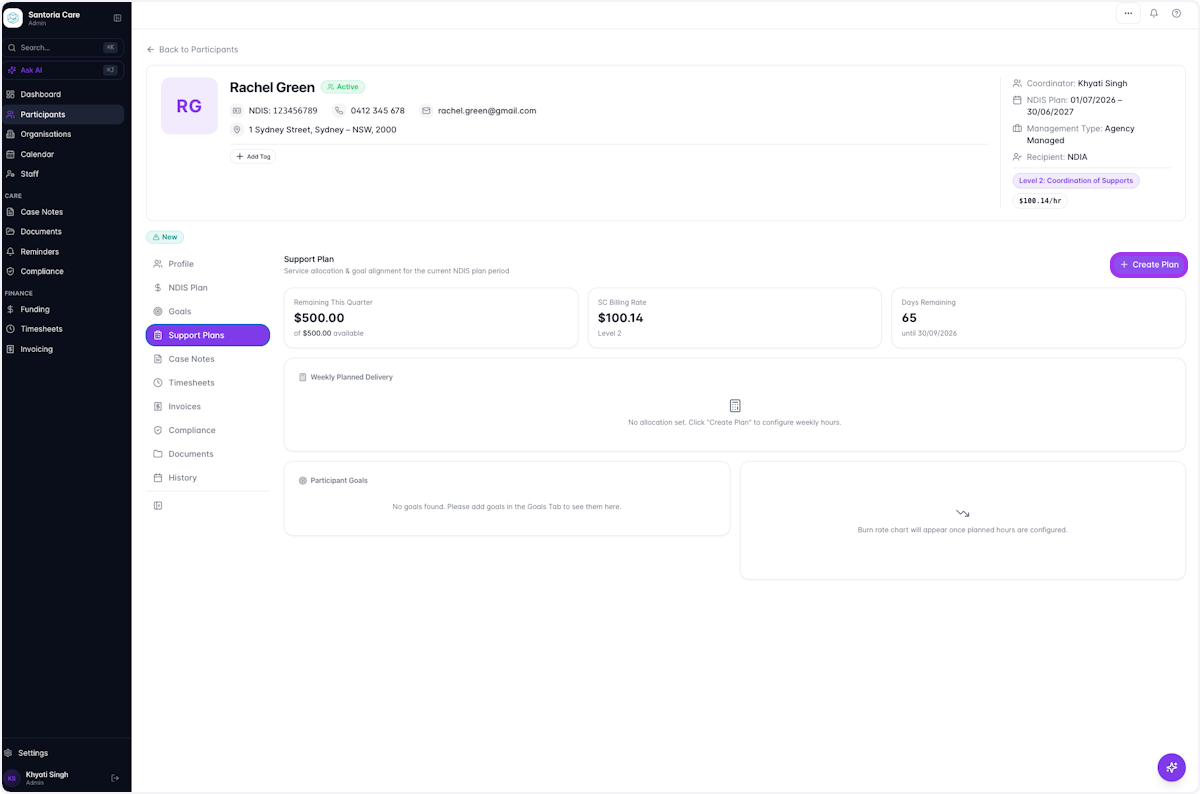
Select Support Plans and Click on Create Plan
- 4
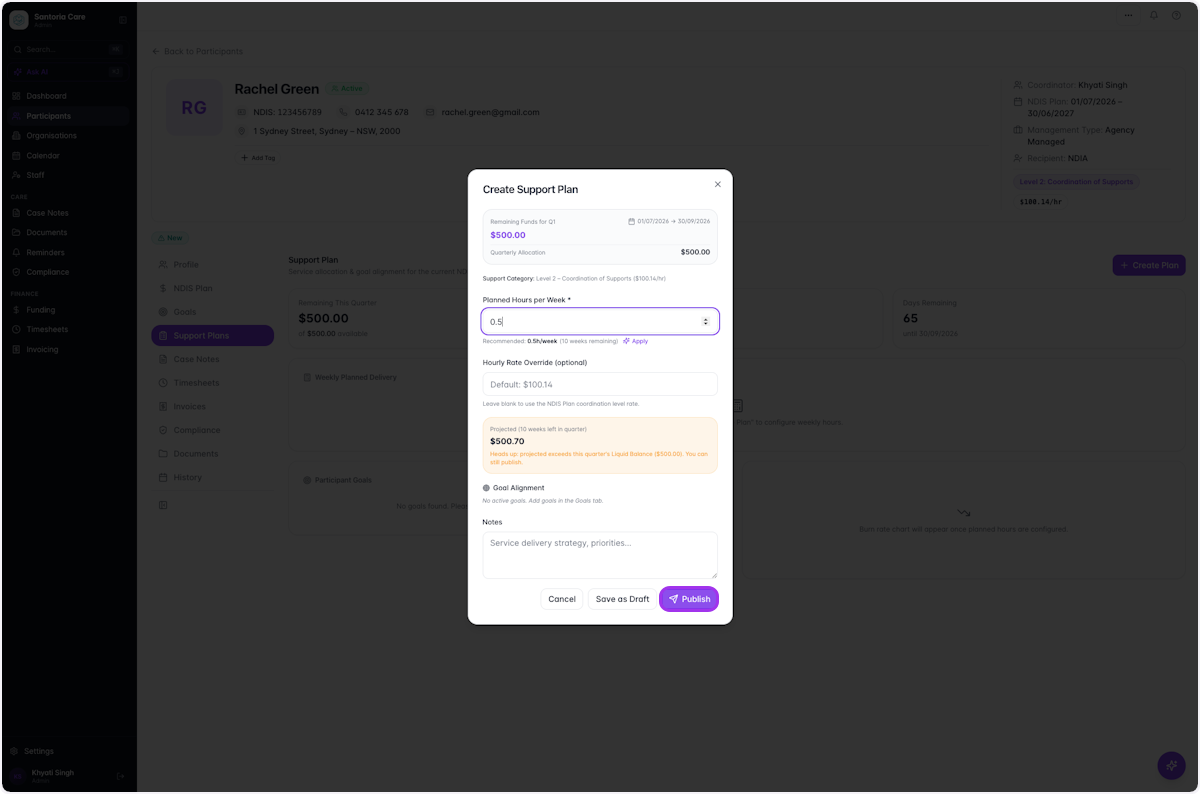
Add your Planned Hours for the week. When you're done, click Publish
Once filled in, the Support Plan will tell you exactly how much funding is left for the quarter based on your Support Plan. To revisit this plan later, click Save as Draft.
- 5
Your new Support Plan should now be displayed on the Participant's page